TL;DR: Native CRM AI connects business understanding with shared records, workflows, permissions, and accountable execution. ShareAgent brings ShareCRM’s CRM know-how into that environment, helping teams work from common context. A general-purpose AI connected through MCP can still be enough for individual research, summaries, and straightforward queries.
Your team already pays for an AI assistant. IT connects it to CRM, and a rep asks for an account summary. Then a deal moves forward, another colleague takes over, and the manager asks: where is the risk assessment, who owns the follow-up, and can everyone see the same history?
ShareCRM, the Agentic CRM, builds AI on the customer data, permissions, processes, and approvals already supporting the business. With ShareAgent, the goal is to help a team carry work forward together.
When is an AI assistant connected to CRM enough?
An AI assistant connected through MCP can be a practical choice for individual productivity. MCP, or Model Context Protocol, provides a standard way for AI applications to access external data and tools. Looking up records, drafting notes, or summarizing information may cover everything one person needs.
MCP also supports actions; it does not inherently prevent automation or secure access. The purchasing question is how much business understanding, coordination, and governance your organization must assemble around that connection. Native CRM AI brings those concerns into the existing business environment.
How does native CRM AI understand your business language?
ShareAgent uses business semantics to connect everyday language with CRM objects, fields, relationships, and rules. “Key account,” “project,” and “priority hospital” need company-specific meaning. A hospital in medical sales and an outlet in consumer goods require different questions, relationships, and operating practices.
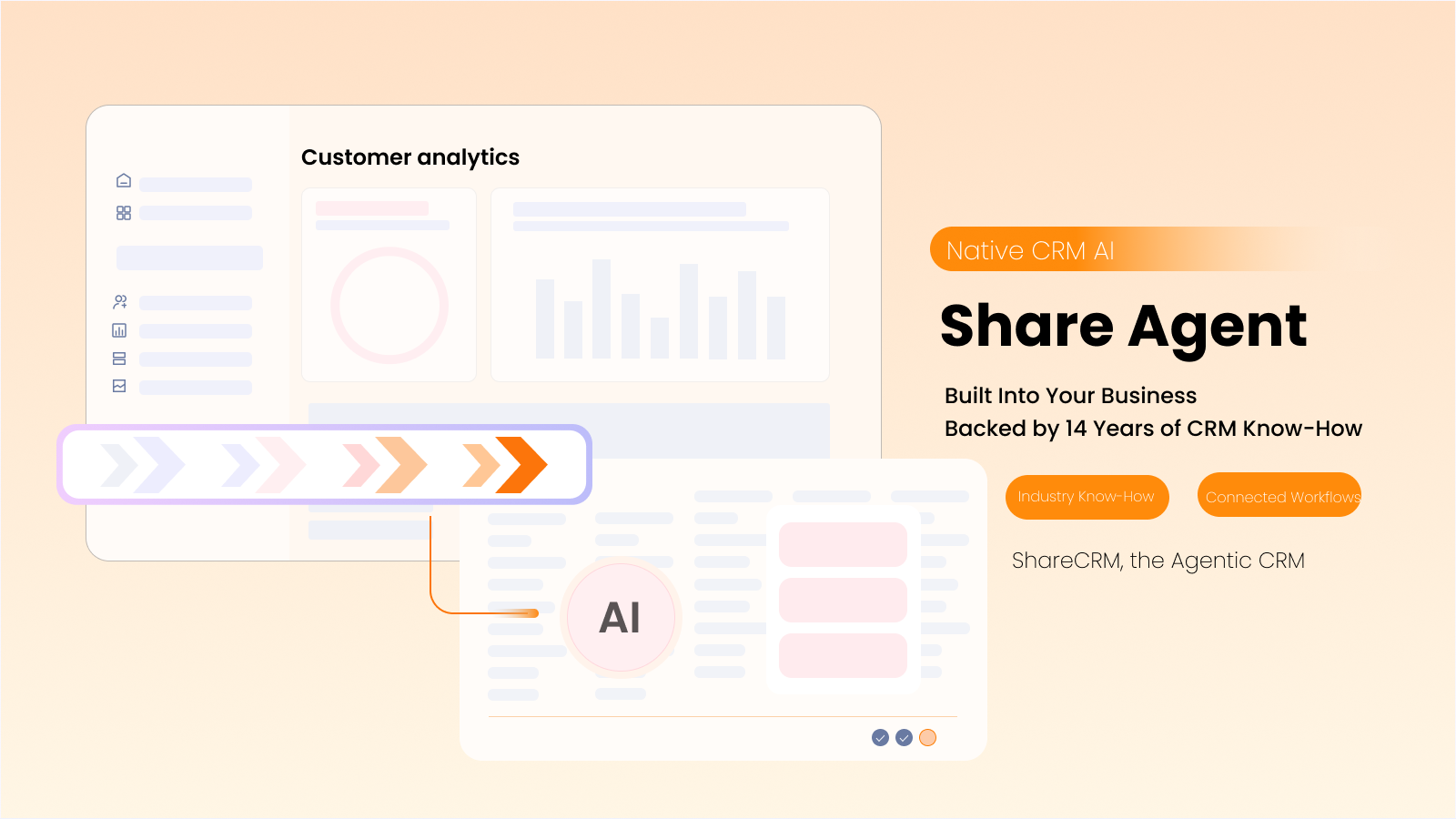
CRM know-how is the accumulated experience, methods, and rules for managing customer-facing work. ShareCRM brings 14 years of CRM experience, service to 7,000+ customers, and coverage of 15+ industries to that foundation. General sales methods, industry practices, and a company’s own playbooks help turn a familiar phrase into a relevant business task.
A connector can expose records, but a connection alone does not supply those definitions. An external AI implementation can be taught them; someone must build and maintain that understanding. ShareAgent provides a starting point to deepen with enterprise terminology.
How quickly can a team start using native CRM AI?
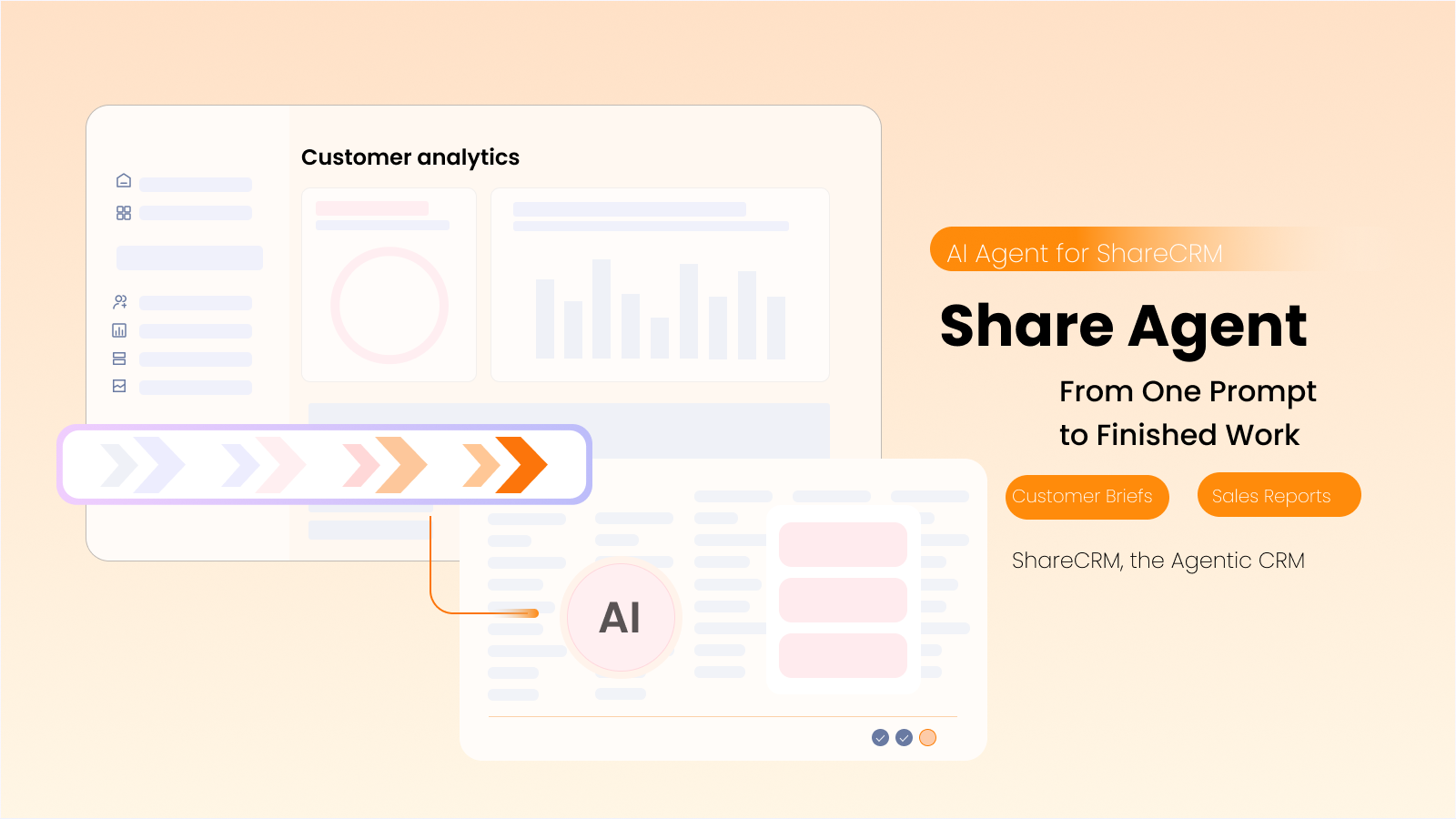
ShareAgent provides preset agents and skills so teams can begin with established business tasks. Customer briefs and sales reports provide a starting point, supported by industry knowledge.
Teams can then adapt skills and supporting knowledge to their own practices. If experienced reps follow a particular qualification checklist or handover method, that approach can become reusable guidance. New colleagues can reuse the method.
ShareCRM’s published Genki Forest case illustrates industry fit: distributor management, store visits, expenses, and equipment management formed a connected operating environment. Standardized outlet data and visit workflows provide context for AI.
Can business changes trigger AI work without another prompt?
Business events can initiate AI work within ShareCRM workflows. A deal moving into a new stage can start a review, helping the team identify risks and prepare follow-up tasks while the change is relevant.
Consider a team that needs decision-maker coverage before progressing a deal. An event-driven review can flag missing evidence, propose follow-up responsibilities, and return findings to CRM. Changes to business data still pass through human confirmation and the required approval process.
External AI can also be connected to event-driven automation. The native advantage is having the trigger, business context, task handling, and review process connected within the CRM environment, reducing the separate integration work the organization must maintain.
Where do AI conclusions go when people change roles?
ShareAgent can make diagnostic results available on the relevant CRM record, giving authorized colleagues a shared reference. A deal assessment is more useful to a team when its findings remain alongside the opportunity than when they exist only in one rep’s conversation.
During a handover, the next owner can review recorded conclusions and business history without depending on the departing colleague to reconstruct them. Shared findings remain subject to access permissions; personal conversations do not automatically become visible to everyone. Enterprise practices can also be retained in reusable skills and knowledge.
What makes native CRM AI governable over time?
ShareAgent operates within CRM permissions, so access to business data follows the organization’s existing controls. AI-assisted changes require human confirmation, while interaction records and tool-call traces support review of what happened. Existing business approvals remain part of execution.
ShareCRM’s delivery and customer-success teams also support ongoing refinement of workflows, knowledge, and results. As business practices change, teams can improve the process with people who understand its CRM foundation.
FAQ
Does native CRM AI eliminate hallucinations?
No. Business semantics, relevant records, and established methods provide grounding, but they do not make every judgment correct. Evaluate whether ShareAgent uses the intended information and criteria, distinguishes missing evidence from conclusions, and keeps consequential changes subject to human review and approval.
Can our existing AI assistant and ShareAgent coexist?
Yes. An external assistant can remain useful for research, writing, and connected queries, while ShareAgent supports work within CRM. ShareCRM’s MCP connection exposes supported CRM tools; it does not automatically provide the preset skills and orchestration available inside ShareAgent. Evaluate each workflow on its requirements.
How should we compare native CRM AI with an MCP implementation?
Test a workflow involving several people, such as a deal review followed by a handover. Check terminology, permissions, task ownership, approvals, and where conclusions are retained. Compare the effort needed to operate and maintain the complete process, alongside the quality of each generated answer.
Which workflow should your team test first?
Start with a deal that involves a rep, a manager, and another department. Ask both approaches to support the work through review, action, and handover. Native CRM AI earns its place when it helps those people use consistent context and follow shared rules. Explore a ShareAgent workflow with ShareCRM’s team.